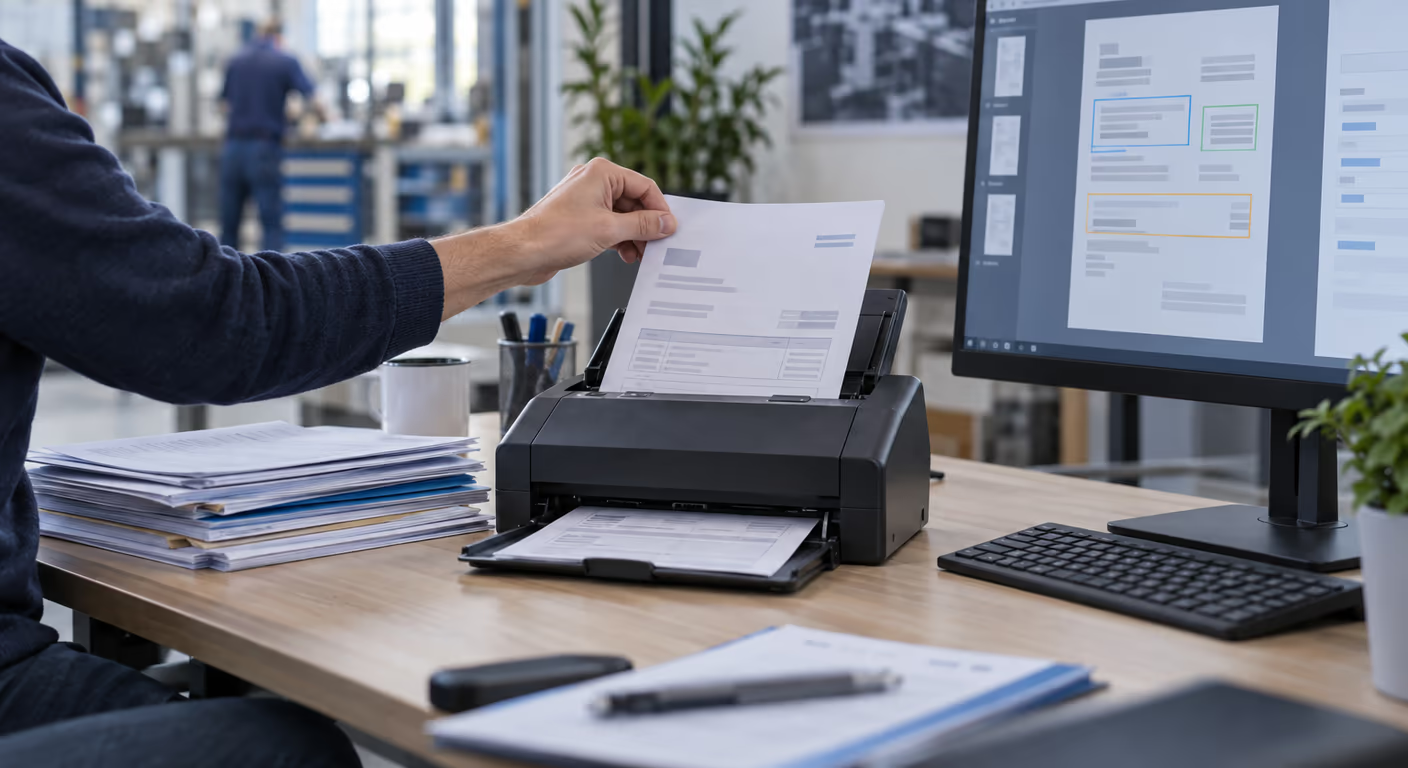
Intelligent Document Processing (IDP) vs OCR
· by Panayot Dimkov
Intelligent document processing (IDP) uses AI to do with a document what a person does today: classify it, extract the data that matters, validate it against the company's systems and decide where it goes, with a confidence level per field that shows when human review is needed. OCR is only one piece of that process: it turns an image of text into characters, but it does not understand which document it is looking at, know which of those numbers is the total, or notice that a field is missing.
1The four layers of intelligent document processing
Full processing does four distinct things, and it is worth separating them because each has its own difficulty.
2The documents in any ordinary company
People think of invoices because they are the most visible, but the real volume is spread across types.
| Document | What is extracted and why |
|---|---|
| Delivery notes | Order number, references and quantities, to check against the order and confirm what was received |
| Certificates and insurance | Holder, scope and expiry date, to warn before they lapse instead of discovering it when they are needed |
| Contracts | Parties, amount, term, renewal notice period. Unwanted automatic renewal is an expensive classic |
| Job sheets | Hours, materials and the customer's signature, often handwritten and photographed on a phone |
| Expense receipts | Amount, date, description and tax, so claims are settled without anyone retyping receipts |
The list matters because it changes priorities. An automatic warning about expiring certificates can be worth more than saving minutes on invoices, and it is usually easier to build.
3IDP vs OCR: why templates stopped working
Template OCR works by coordinates: it learns that in supplier A's documents the total is at the bottom right. It is precise and fast as long as the document does not change.
- Every new layout is configuration work. With twenty issuers it is manageable; with two hundred, someone does nothing else.
- A redesign breaks the template. The supplier moves their logo and extraction starts failing without warning.
- It does not understand variants. A two-page delivery note, a split table or a handwritten note in the margin falls outside the mould.
- It does not know what it does not know. It returns whatever is at that position, right or wrong.
A language model with vision works the other way round: it interprets the document the way a person would, which is why it handles new layouts with no prior setup. In exchange it is less deterministic, which brings us to the next point.
4Confidence level is the figure that matters
The question everyone asks — "how accurate is it?" — is the least useful one. The good question is: does the system know when it is unsure?
There is no universal threshold: it is set per field, using a real sample of documents, and it should be stricter for an expiry date or an amount than for an internal reference. And high confidence does not guarantee that a value is correct, which is why the validation layer is still needed.
The practical corollary is that human review is not a design failure, it is part of the design. And the review interface matters as much as the model: if correcting a field takes three clicks with the document alongside, people do it; if it forces two screens open, they do not.
5The hard cases, with realistic expectations
6How to choose the first case
Four criteria, in this order:
Frequently asked questions
What is the difference between OCR and intelligent document processing?
OCR turns an image into text: it recognises characters. Intelligent processing adds three things on top: understanding what type of document it is, locating meaningful fields even when they move, and validating what was extracted against company data. OCR is a component of the second, not a substitute for it.
Do I have to train the system on my documents?
With current models, not to get started. They recognise common document types with no prior setup, which is the big difference from templates. What is worth tuning with your own examples are the types specific to your sector and the validation rules, which depend on your business.
Can it process documents in several languages?
Yes, in the usual languages and with no separate configuration for each. That is a meaningful difference from template-based solutions, where each language usually meant a separate setup. For a company with suppliers or customers in several countries, it removes much of the maintenance work.
Where are the documents processed?
It depends on the service used, and it is a question to ask before signing anything. If the documents contain personal data — and almost all of them do — you need to know whether processing leaves the European Economic Area and under what safeguard, and to have the processor agreement in place. We cover this in automating processes without breaching the GDPR.
What about old paper documents?
Bulk digitisation only pays off if they will genuinely be consulted. It is usually more sensible to process from today forward and digitise the archive on demand, when someone needs it. One exception: if there is a retention obligation and the physical archive is a risk, digitisation has a different justification.
In short
The leap beyond OCR is not about reading better, it is about understanding the document and knowing when it is unsure. That lets you stop configuring templates and start designing a flow with thresholds, validations and a small review queue.
And it is worth looking past invoices: expiring certificates, contracts that renew themselves and job sheets nobody retypes usually return more and are easier to tackle. That is how we approach AI process automation.
Which documents come into your company each week?
With a real sample of the types you handle, we can estimate what share would be processed without intervention and what would need validating. We review it with you.
Request a process analysisNexum Blog
Related articles
17 Jun 2026
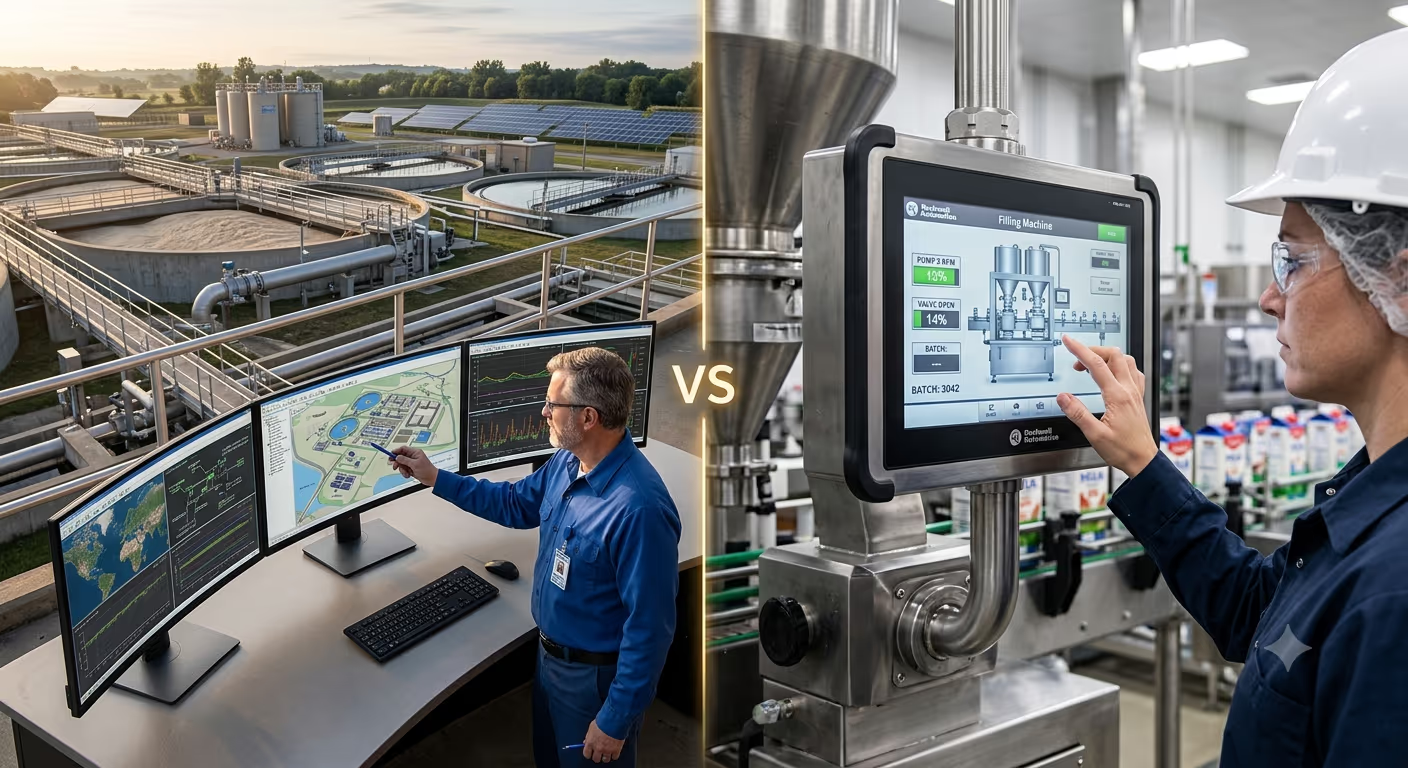
SCADA vs HMI: differences and which to choose
Difference between SCADA and HMI: scope, historians, alarms, remote access and when you need each one. A clear guide from an industrial integrator.
31 Jul 2026
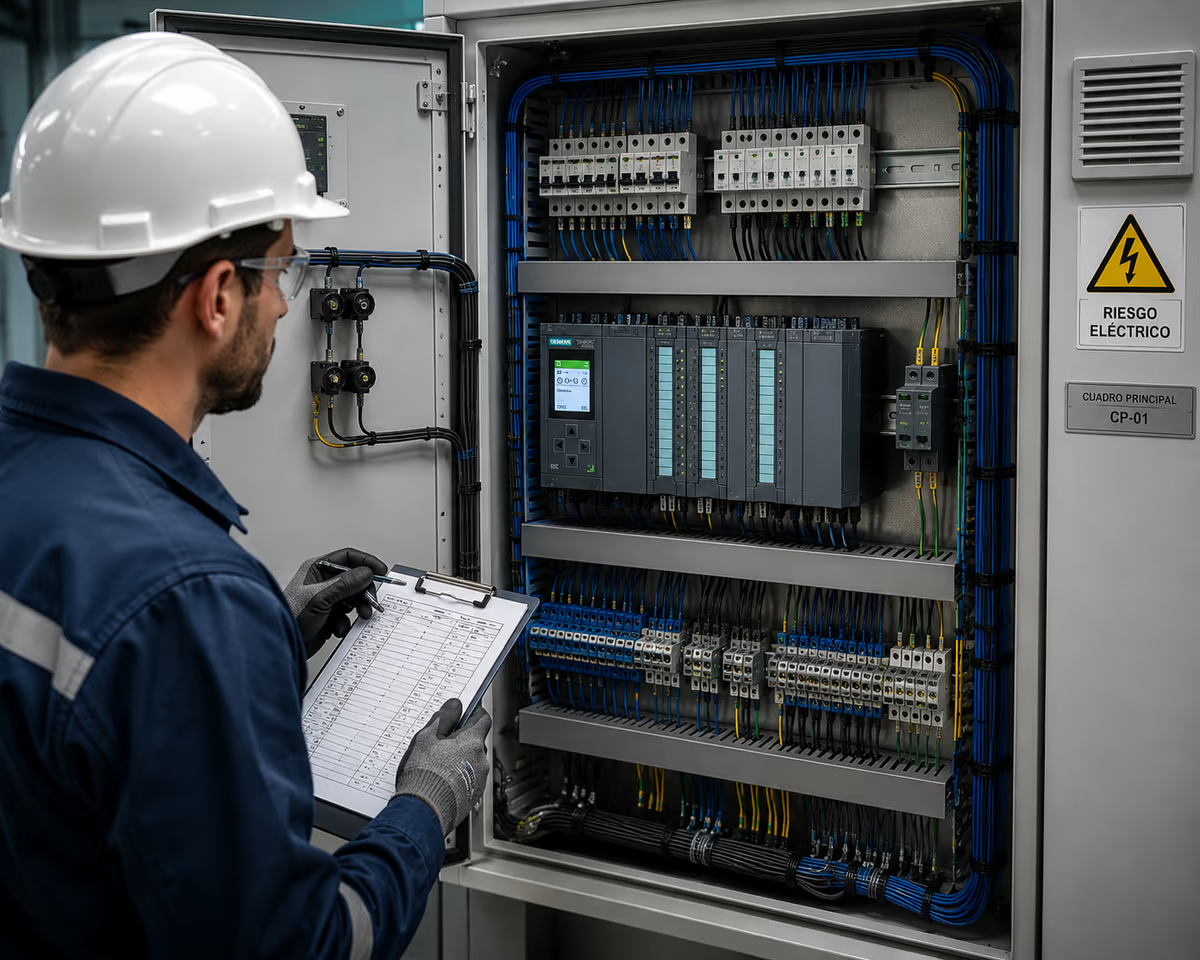
How to choose an industrial control panel manufacturer
How to choose an industrial control panel manufacturer: IEC 61439, FAT, in-house engineering, the 7 key questions and the red flags in cheap quotes.
9 Jul 2026
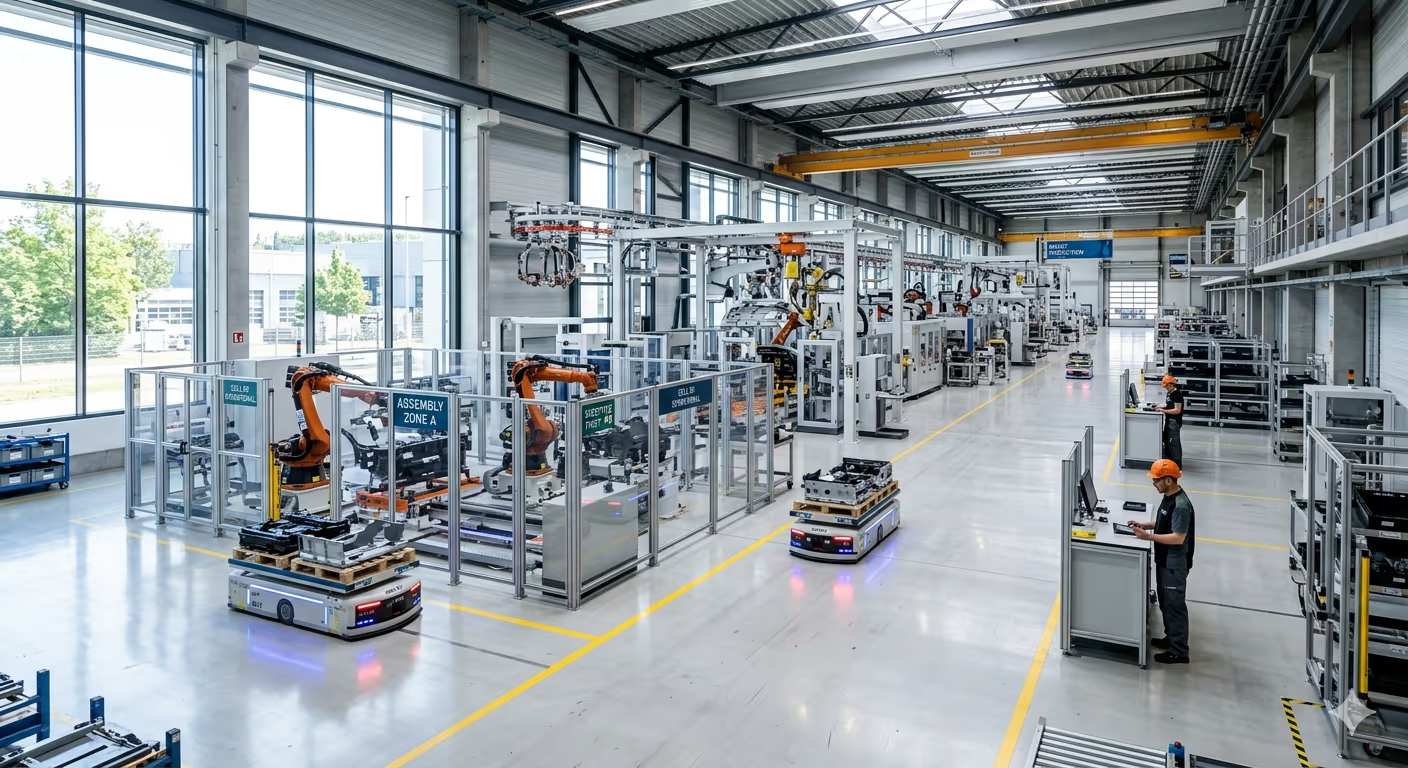
Industry 4.0 Trends in 2026
The 8 Industry 4.0 trends of 2026 that truly move the needle: AI on the floor, machine vision, digital twins, cobots, edge computing and NIS2.