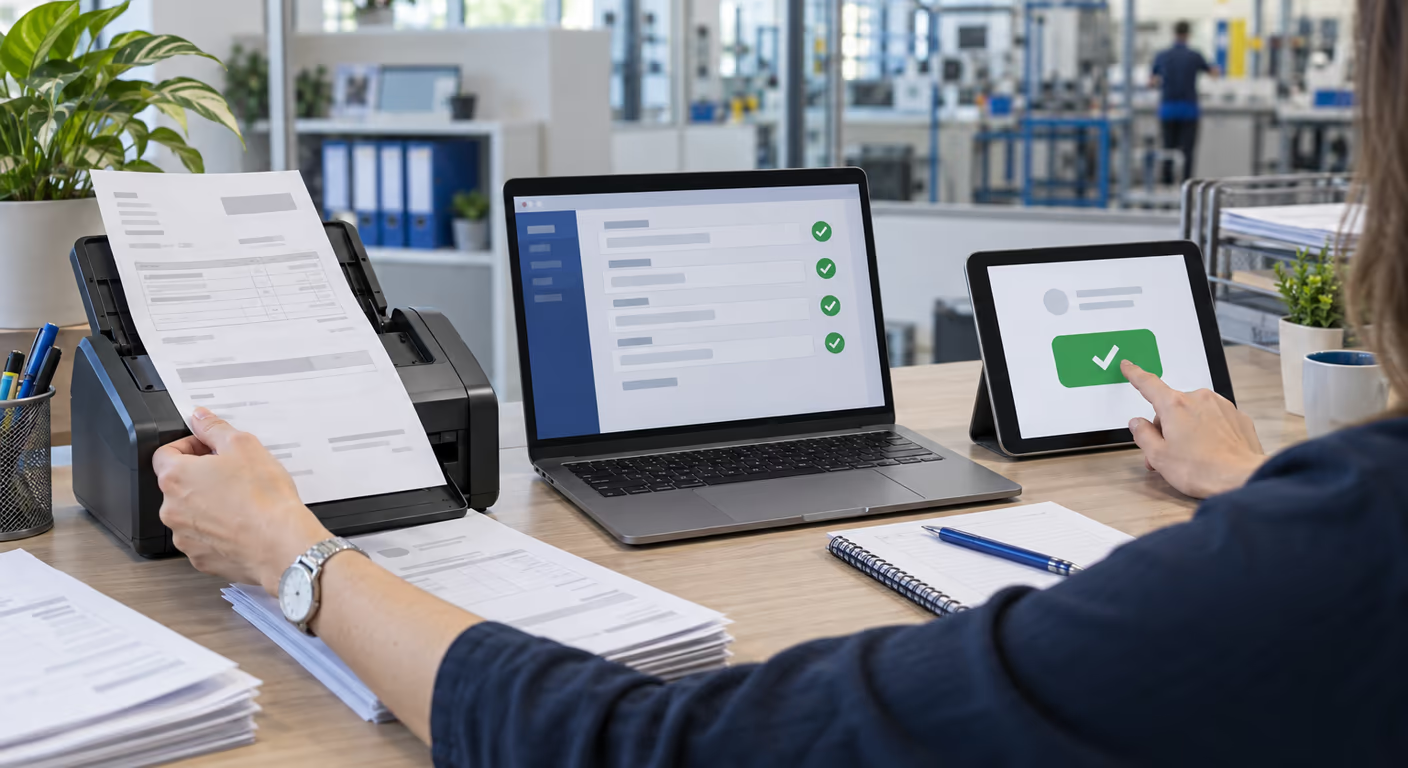
Supplier Invoice Workflow With AI
· by Panayot Dimkov
Automating the supplier invoice workflow is not "adding an OCR". It is seven stages — intake, capture, validation, matching against order and delivery note, posting, approval and filing — from the moment the invoice arrives somewhere until it is posted, approved and filed. Many of the projects that stall only automated the second one: reading the data.
1Intake: normalising how they arrive
Before extracting anything there is something duller to solve: invoices arrive through four or five different channels and each one has its own chaos.
| Channel | What has to be solved |
|---|---|
| A single receiving mailbox. It is the most profitable change and the one that meets most resistance, because today everyone receives their own | |
| Supplier portals | Someone logs in to download them manually. Either you connect through an API or you accept that this stage stays manual |
| Paper | A scan with a fixed destination. If the scanner drops the PDF on somebody's desktop, no automation is possible |
| Structured formats | The best of the lot: the data arrives labelled (Facturae, UBL, EDI) and needs no interpreting. They go through a different, cheaper path, and will gain ground once mandatory B2B e-invoicing applies in Spain |
2Capture: extracting the data
The real difference from the tools of a few years ago is that an AI model does not need a template per supplier: it understands the document, and a new supplier needs no prior setup. For the workflow, two things have to be decided at this stage.
The most common design mistake is demanding 100 % accuracy. It does not exist, with AI or with people. What you can design is a system that knows when it is not sure.
3Validation against your master data
Extracting well is not enough: you have to check that what was extracted matches the reality in your system.
- The supplier exists and is active. If not, the invoice is not posted automatically: it is routed to supplier creation, which is another process.
- The tax ID matches the one on file. This is the check that catches invoices from a different legal entity than expected.
- The invoice number is not a duplicate for that supplier. A duplicate payment is one of the most expensive errors and one of the easiest to prevent automatically.
- The bank account is the registered one. If it changes, it is not accepted without verification through another channel. This is the barrier against payment-diversion fraud, which still works because often nobody checks.
- The arithmetic adds up. Net plus taxes equals total. An invoice that does not add up internally means either a reading error or a real problem, and both need looking at.
4Three-way matching: invoice, order and delivery note
If you buy against purchase orders, this stage decides whether the invoice approves itself or goes through a person. This is three-way matching: the invoice is compared with the order (what was ordered and at what price) and with the delivery note or goods receipt (what actually arrived).
| Situation | What the flow should do |
|---|---|
| Everything matches within tolerance | Post and approve with no intervention |
| Price or quantity difference within the margin | Approve and log the variance for later review |
| Difference above the margin | Hold and route to whoever can decide, with the comparison already done |
| No purchase order | Approval workflow by amount and cost centre |
Setting the tolerances is a business conversation, not a technical one, and it should happen before anything is built. Too narrow a margin sends everything to review and the project saves nothing; too wide and it lets errors through.
5Posting into the ERP
The entry needs an account, a cost centre and tax treatment. There is an underlying decision here worth taking consciously.
6Approval and exceptions
Invoices that do not approve themselves need a workflow of their own. And that is where the time the project meant to save gets lost, so it deserves proper design.
What works: notifying the specific person — not a shared mailbox — giving them everything needed to decide inside the notification itself, allowing approval without logging into the ERP, and escalating only when a deadline passes. What does not work: a daily email with twenty pending items and a link to an inbox where you have to go looking.
7Filing, traceability and payment
The last stage gets forgotten and is then missed. The original document must be stored and linked to the accounting entry, with a record of who did what and when. That is what turns an audit into a five-minute query.
On payment itself, automate the proposal — what gets paid this week, based on due dates and early-payment discounts — and keep execution under human control with dual validation. This is money going out: not the place to save yourself a check.
One more piece of data is worth having ready: once mandatory B2B e-invoicing in Spain applies, Royal Decree 238/2026 requires the receiving company to report whether each invoice is accepted or rejected and the date it is paid in full. A workflow that already records those statuses at approval and payment has that part largely solved.
8How to roll out the supplier invoice workflow
Frequently asked questions
Do I need to change ERP to automate invoices?
No, and it is almost never a good idea. The flow connects to the ERP you already have, through an API if it offers one or file imports if not. Changing ERP is a project of another order of magnitude, and mixing it with automation multiplies the risk of both failing.
What is three-way matching of invoice, order and delivery note?
It means checking that the invoice agrees with the purchase order (what was ordered and at what price) and with the delivery note or goods receipt (what actually arrived). If all three match within the agreed tolerance, the invoice can be posted with no intervention; if not, it is held with the difference already flagged. For purchases with no receipt to record, such as many services, the match is two-way, invoice against order, and without an order the invoice goes to the approval workflow.
What about invoices that arrive on paper?
They are scanned and enter the same workflow, provided the scanner leaves the file in a fixed destination rather than in someone's personal folder. Paper does not prevent automation; what prevents it is digitisation depending on a person remembering where to save things.
Can the system post invoices with nobody reviewing them?
Yes, for invoices that pass every validation and match their purchase order and delivery note within tolerance, which in a well-tuned workflow can be a large share of the volume. The rest goes through a person. That split is exactly the point of the design: people spend their time on exceptions rather than typing in normal invoices.
How long until a first working version?
It depends on the number of intake channels, whether there is order matching and how accessible the ERP is. A narrow scope — one channel, the main suppliers, no line items — goes live considerably sooner than the full workflow, and it also teaches you what the rest genuinely needs.
In short
The workflow has seven stages and data extraction is only one of them. Projects that stop there tend to end up with a very good OCR feeding a process that is still manual from the second step onwards.
The stages that pay back most tend to be the least glamorous: normalising intake, validating against master data and building an approval workflow that reaches the right person. That is how we approach AI process automation.
How many supplier invoices do you process a month?
With that figure, the channels they arrive through and your ERP, the full workflow can be sketched out and we can say which stage to automate first. We review it with you, no strings attached.
Request a process analysisNexum Blog
Related articles
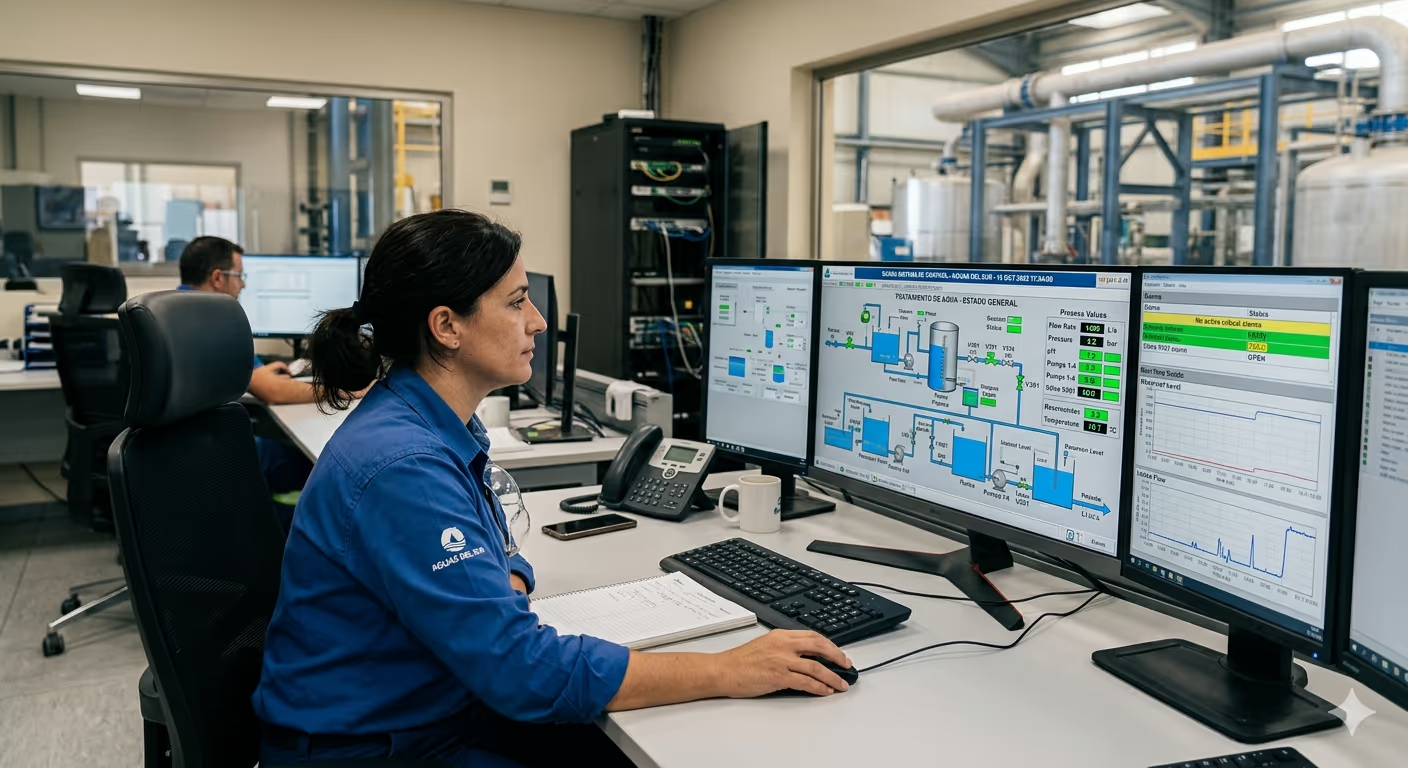
24 Jun 2026
How much does a SCADA system cost?
How much a SCADA system costs in 2026: price ranges by size, cost factors (tags, licences, engineering), cloud vs on-premise, TCO and ROI explained.
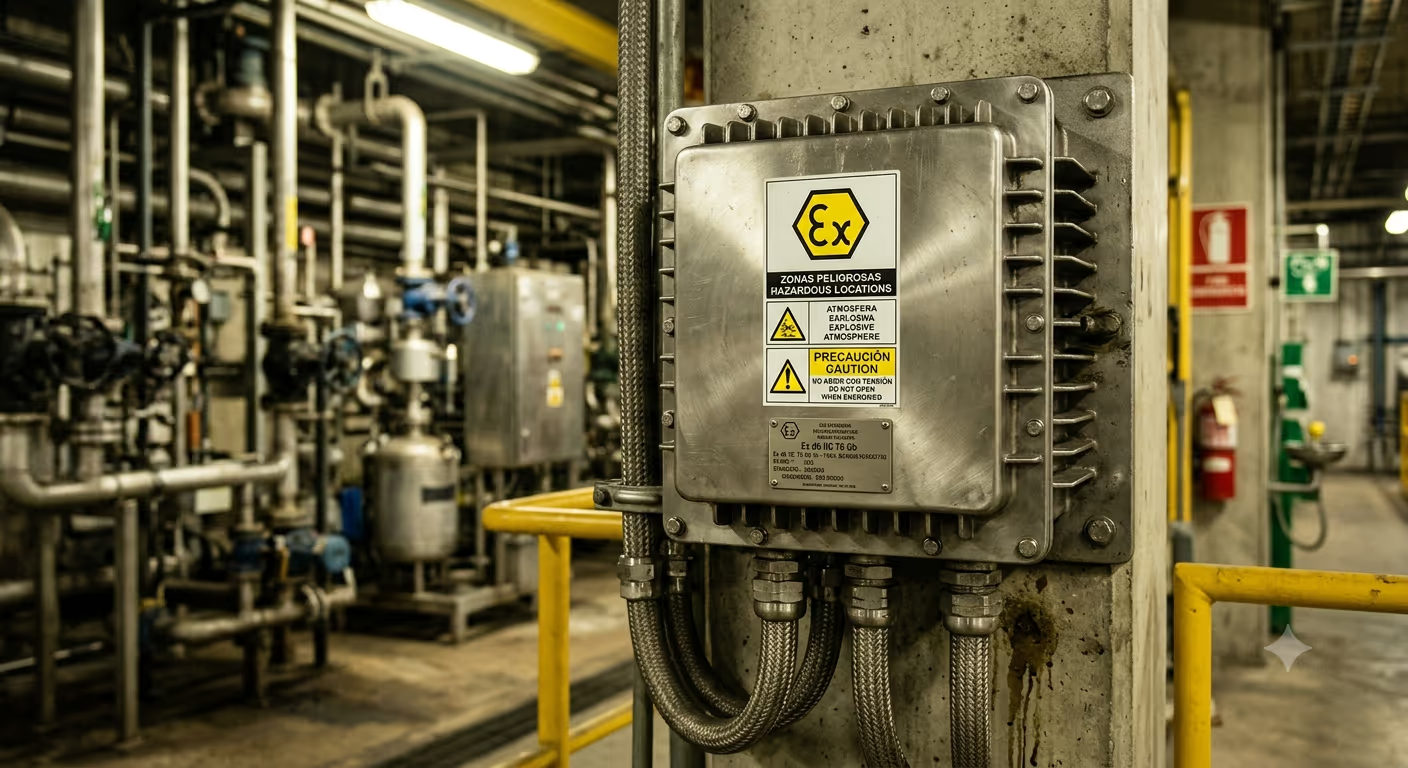
22 Jun 2026
ATEX Electrical Panels: Hazardous Area Guide
ATEX electrical panels for hazardous areas: zone classification, Ex marking, protection modes and Directive 2014/34/EU, explained step by step.

16 Oct 2026
Automating Processes in Line with the GDPR
How to automate processes in line with the GDPR: the five usual failures, Article 22, the processor agreement and a flow with no legal surprises.